








생성기
역사
AI 평면도 생성기
변경 도구
모델
베이스 버전
스위치
방
침실
-
2
+
욕실
-
1
+
Kitchen
오픈형
폐쇄형
총면적
단위 메트릭
메트릭 제국의
제국의
메트릭 제국의지역
< 50㎡
50-80㎡
80-100㎡
100-120㎡
120-150㎡
> 150㎡
추가 시설
워크인 클로젯
세탁실
저장실
유틸리티룸
홈 오피스
차고
식료품 창고
거실과 식당 통합
발코니

Design Your Dream Home with Our Online 3D Blueprint Maker
Unleash your architectural vision with Ideal House's AI Floor Plan Generator. Quickly transform your ideas into professional 2D floor plans, perfect for homeowners, real estate professionals, and designers. Create detailed house plans with ease, making us the go-to online 3D blueprint maker for North America.
Generate My Floor Plan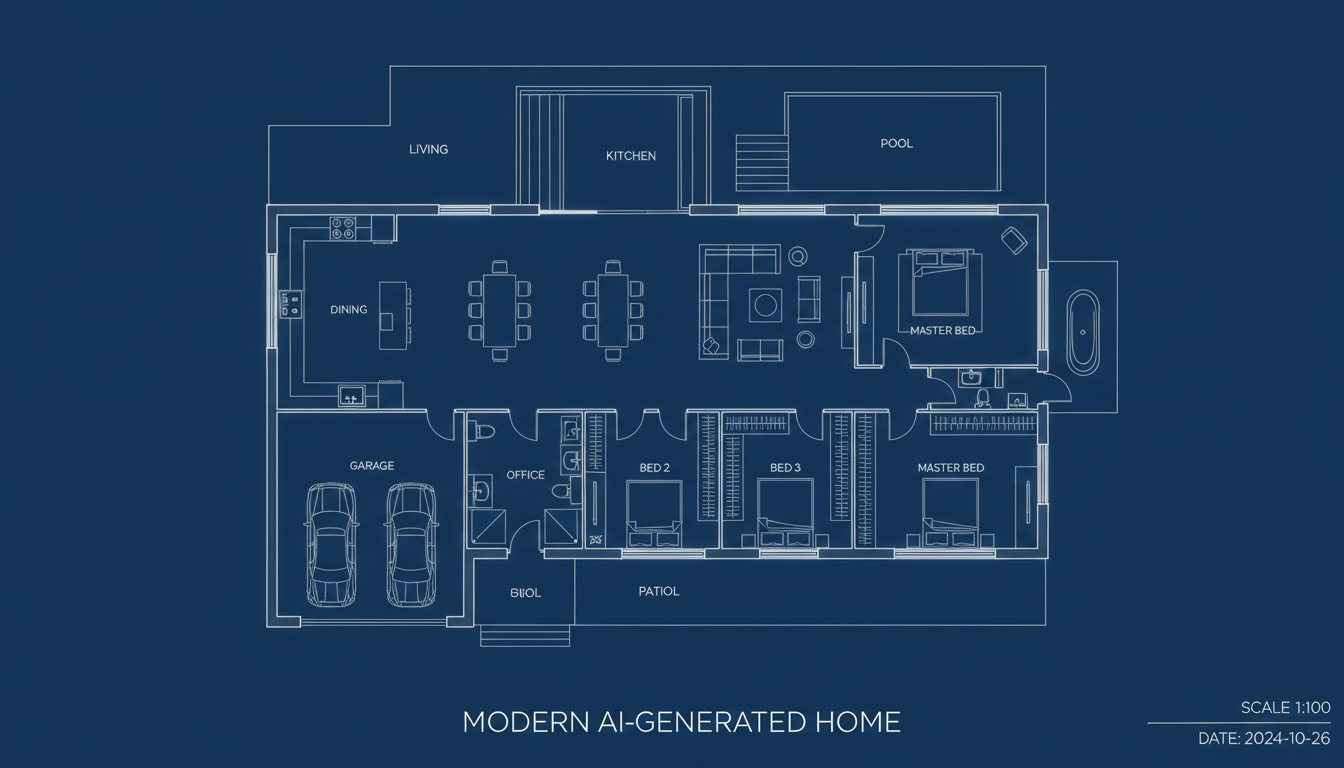


Why Choose Ideal House for Your Floor Plans?
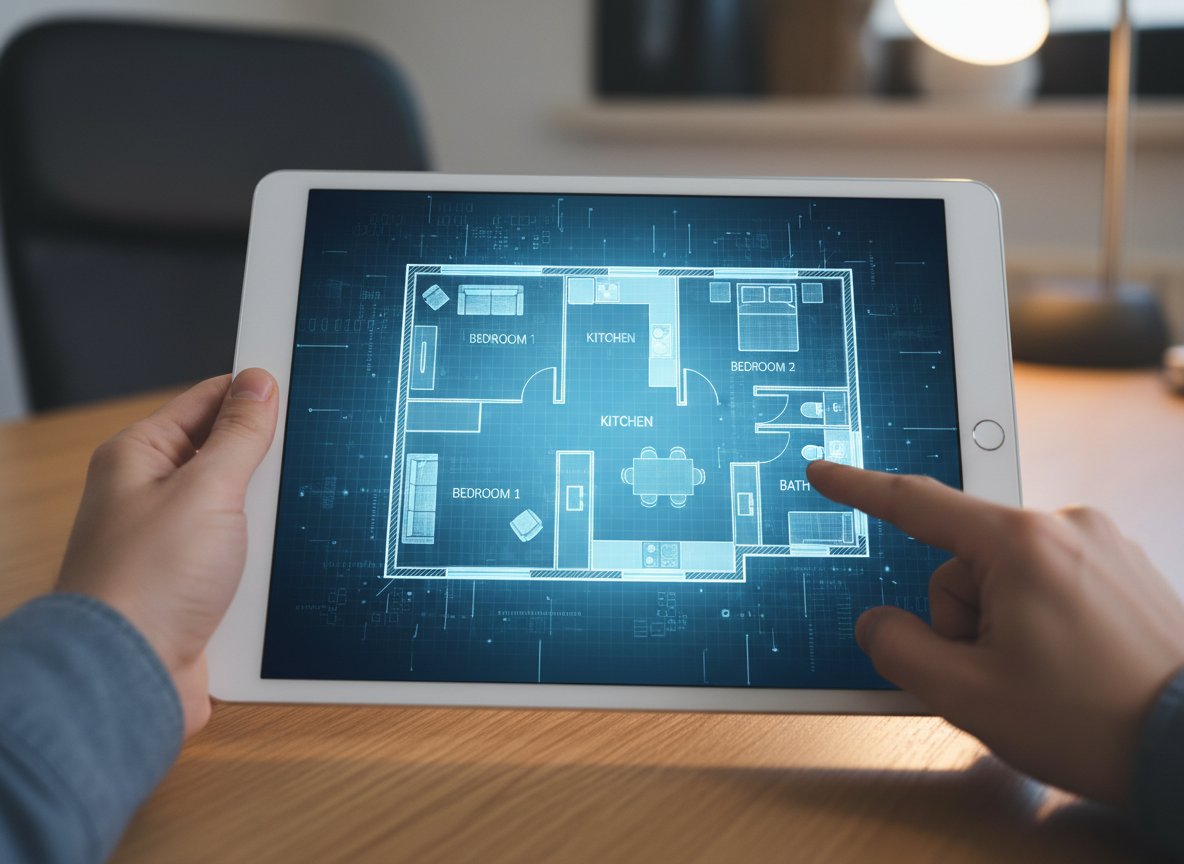
Instant 2D Floor Plan Generation
Say goodbye to complex software and tedious drawing. Our AI floor plan generator creates clean, accurate 2D floor plans in seconds. Simply input your preferences, and watch your house plan generator bring your concept to life. It's the fastest way to get a digital floor plan.

Parameter-Driven Customization
Tailor every detail with our intuitive controls. Specify bedrooms, bathrooms, kitchen style (open or closed), gross area, and essential extras like a walk-in closet or home office. Our online 3d blueprint maker adapts to your needs, providing custom floor plan solutions for any project.
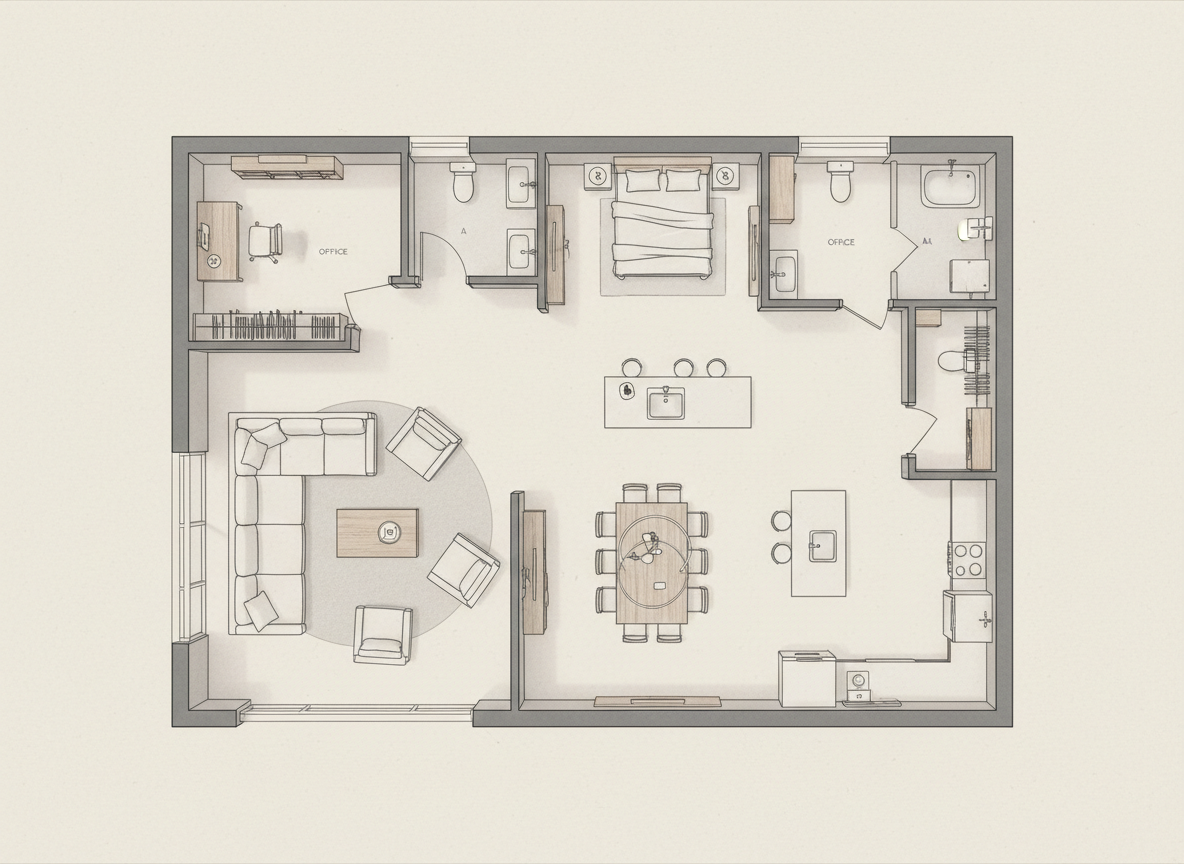
Visualize with Unparalleled Realism
While our output is 2D, the underlying AI understands spatial relationships to create realistic room layouts. This makes our AI floor plan maker an essential home design tool for visualizing flow and functionality before any construction begins. Get clear, presentation-ready residential floor plans.

Streamlined Workflow for Professionals
Real estate agents, interior designers, and contractors can leverage our floor plan software to generate instant floor plans for listings, client presentations, or project alignment. Save time and enhance collaboration with quick floor plans and an online blueprint tool that fits into your existing workflow.

Who Benefits from Our AI Floor Plan Generator?

Homeowners & DIY Planners: Experiment with different room layouts, kitchen styles (open vs. closed), and essential additions like a walk-in closet to perfect your living space.

Interior Designers & Decorators: Quickly generate apartment floor plan concepts, iterate live with clients, and explore various gross area options.

Real Estate Agents & Rental Managers: Create consistent, professional 2D real estate floor plans for listings that help buyers instantly grasp the property's layout and flow.

Generate Your Floor Plan in a Few Clicks
1
Set Rooms: Choose your desired number of Bedrooms (0–4) and Bathrooms (1–3) to begin shaping your home design.
2
Choose Kitchen Style: Toggle between an open or closed kitchen layout to define your living and dining areas.
3
Pick Gross Area: Select a gross area range that matches your target size, guiding the AI floor plan maker to create proportionate rooms and corridors.
4
Add Extras: Multi-select features like a walk-in closet, laundry room, home office, garage, pantry, combined living-dining, or balcony to steer zoning and room relationships.
5
Generate & Review: Click 'Generate' and instantly receive a detailed 2D floor plan. Review your results in the preview panel and compare different versions in your Generation History.
6
Download & Share: Export your chosen plan as an image or PDF, ready to share with clients, colleagues, or for your property listings. Experience the best online 3d blueprint maker.
Frequently Asked Questions About Our Online 3D Blueprint Maker
How does the AI floor plan generator create plans from my selections?
Our AI floor plan generator interprets your program—beds, baths, kitchen type, gross area, and selected extras—and applies established architectural drawing software principles and circulation rules to draft a clear 2D floor plan. Each generation provides a unique concept you can refine.
What customization ranges and defaults are available for this house plan generator?
You can select Bedrooms (0–4; default 2), Bathrooms (1–3; default 1), Kitchen (open/closed; default open), and various Gross Area bands. Extras are multi-selectable, giving you precise control over your floor plan design.
What impact does 'Gross Area' have on the generated floor plan?
The Gross Area band guides the overall scale of your digital floor plan, ensuring rooms and corridors are proportioned appropriately for the chosen footprint. Selecting the closest band yields the most believable and functional room layout planner results.
What are the differences between open and closed kitchen layouts?
Open kitchens generally promote a continuous living–dining sightline and smoother flow, ideal for modern, social spaces. Closed kitchens offer a more defined cooking zone with clearer separation, often preferred for traditional layouts or containing cooking odors.
How do the 'Extras' influence the floor plan design in this online blueprint tool?
Extras like a walk-in closet, home office, or pantry instruct the AI floor plan maker to prioritize and strategically place these spaces within your house layout maker design. For example, a walk-in closet will typically be near a primary bedroom, and a pantry adjacent to the kitchen.
Can I compare multiple versions of my floor plan design?
Absolutely. Every plan generated by our floor plan creator is automatically saved in your 'Generation History'. You can use filters like 'Created with AI Floorplan' and toggle between grid/list views to easily review and compare side-by-side versions of your custom floor plan.
How fast is the generation process, and how are credits used with this floor plan software?
Most floor plan generations are completed in mere seconds, providing you with quick floor plans. Each click of the 'Generate' button consumes the credits displayed, and all generated results are conveniently stored for your access, making us a leading online 3d blueprint maker.
Is the AI Floor Plan Generator compatible with tablets?
Yes, our AI floor plan generator is fully browser-based and optimized for both desktop and tablet experiences, including iPads. Your settings persist across sessions until you modify them, ensuring a seamless experience for your floorplan maker needs.
Explore More Ideal House Design Tools

Magic Editor
Fine-tune your Midnight Luxe design by changing specific objects, colors, or materials with a simple text prompt.

Photo Enhancer
Automatically improve the lighting and clarity of your photos for more stunning remodel results.
Image to Video
Turn your static interior and exterior design mockups into dynamic, engaging video walkthroughs.
Ready to Design Your Space?
Map your vision in minutes with our clear, fast, and share-ready online 3d blueprint maker. Get your instant floor plans now.
Create My 2D Floor Plan Now
💰 Ideal House의 제휴 파트너로 10% 수수료를 받으세요.
가입하세요